

Ideoreto
Back to blogIdeoreto Guides

Public or Private GitHub Repo? A Decision Guide for Builders

A practical decision guide on whether to make your GitHub repo public or private, covering tradeoffs, anonymized contributions, and a checklist, with help from Ideoreto.

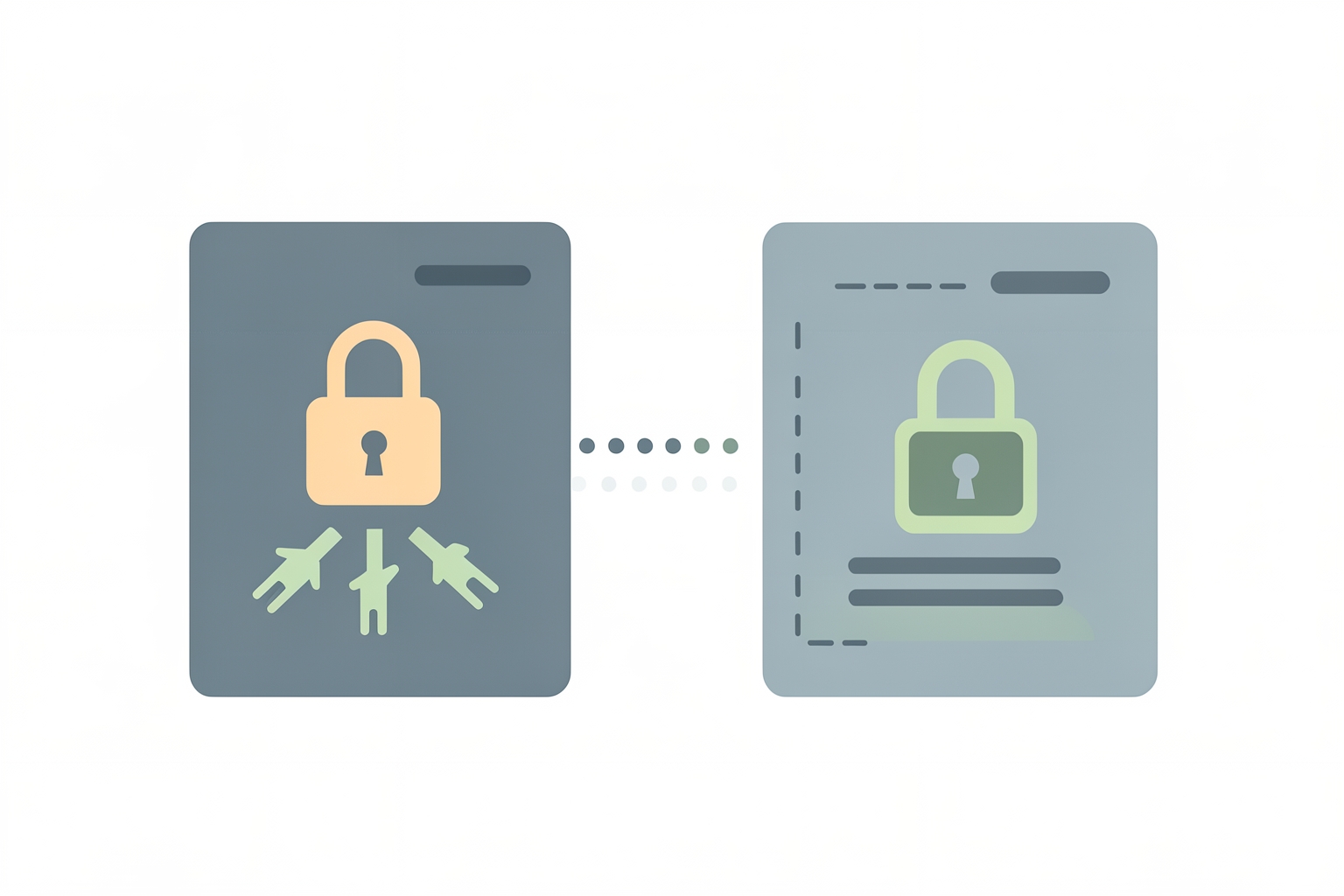
A flat editorial illustration showing two rectangular repository windows connected by a dotted line. The left window is dark grey with a peach padlock, and the right window is light grey with a green padlock.
should i make my github repo public or privatepublic vs private repository github beginnersbuild in public vs build in private githubgithub private contributions anonymized tradeoff

Key takeaways

  • Public or Private GitHub Repo? A Decision Guide for Builders is most useful when it turns into a visible action, artifact, or decision.
  • For Ideoreto readers, the goal is practical proof: clearer briefs, better feedback, stronger roles, and work other people can inspect.
  • Use the guide to choose one specific next step instead of leaving the idea as private theory.

In this guide

What visibility actually controls

Every GitHub user eventually faces the same fork in the road: keep a repository private, or flip it to public.

The choice affects who can see your work, what shows up on your profile, and how much of your process stays yours.

This guide walks through what each option actually changes, the tradeoffs for different situations, and a practical way to decide without overthinking it.

A private repository is visible only to you and the collaborators you explicitly invite.

A public repository can be viewed, cloned, and forked by anyone on GitHub.

That is the core difference, but its consequences ripple further than most beginners expect.

Visibility also shapes your profile.

By default, your contribution graph and achievements only show activity from public repositories, according to GitHub's documentation.

Private repository activity can be included, but the details are anonymized when you enable that setting GitHub contributions documentation.

So a repo full of hard work that stays private contributes nothing visible to your public track record unless you opt into anonymized counting.

Your profile itself has its own visibility layer.

GitHub lets you make your entire profile private, which hides your contribution graph, activity feed, follower counts, and more.

Even then, your README, bio, and profile picture remain publicly visible GitHub profile documentation.

Repo visibility and profile visibility are separate decisions, and it helps to think of them that way.

The case for going public

Public repositories turn code into evidence.

When a founder, freelancer, or student can point to a working project, a clear README, and a visible commit history, they no longer have to argue about capability.

The work speaks.

This matters most when your goal is opportunity.

Recruiters, potential collaborators, clients, and community members all use public work as a filter.

A public repo also invites contribution: someone can open an issue, suggest a fix, or fork your idea and build on it.

For early-stage builders testing whether an idea resonates, that outside signal is valuable.

Public work also compounds.

Each project you publish becomes a small, permanent proof point that future projects can reference.

If you are trying to convert participation into credibility, publishing is usually the faster path.

The case for staying private

Private repositories protect unfinished, sensitive, or commercially risky work.

The most common reasons to stay private are straightforward:

  • The code contains secrets, credentials, customer data, or anything you would not want indexed and copied.
  • The project is part of a commercial plan where the implementation itself is the advantage.
  • The work is exploratory and you do not want half-formed ideas judged prematurely.
  • You are bound by a client contract or employer agreement that restricts disclosure.

There is also a psychological dimension.

Publishing early can feel exposing, and some builders do their best work without an audience watching.

That is a legitimate preference, not a failure.

The mistake is not choosing privacy; it is choosing privacy by default without noticing what it costs.

The anonymized contributions tradeoff

GitHub offers a middle path worth understanding.

You can enable private contribution counting, which adds your private repo activity to your contribution graph while keeping the details anonymized.

Viewers see that activity happened, not what it was GitHub contributions documentation.

This solves one problem and creates another.

Your graph looks active, which helps if you simply want to show consistency.

But anonymized activity is weak evidence.

A viewer cannot tell whether you shipped a polished tool or pushed notes to a scratch repo.

If your goal is proof of skill, anonymized dots on a calendar carry far less weight than a public project someone can actually open.

A useful pattern is to keep the sensitive work private and publish a thin public slice: a demo, a write-up, or a stripped-down version of the core idea.

You keep the advantage and still give people something to evaluate.

Questions that make the decision easier

Instead of treating this as a personality test, run your repo through a short checklist:

  1. Does the code contain anything that must stay secret? Secrets, keys, personal data, or contractual restrictions push you toward private, at least until they are removed.
  2. Is the implementation itself your competitive edge? If yes, private, or publish only a partial version.
  3. Do you want this work to count as evidence? If you are building a track record for jobs, clients, or collaborators, public is the direct route.
  4. Is the project finished enough to be understood? A messy private experiment can wait; a working tool with a clear README is ready.
  5. Would outside feedback help right now? Public repos invite issues, forks, and conversation. If you want signal, publish.

Notice that none of these questions is permanent.

Visibility is a setting, not a tattoo.

You can develop privately and publish when the work is ready, and you can take a public repo private later if circumstances change.

The real cost of waiting is only the feedback and visibility you forgo in the meantime.

Common mistakes to avoid

The first mistake is publishing secrets by accident.

Before flipping a repo public, search the history for API keys, passwords, and configuration files.

Removing a file does not erase it from git history, so treat any leaked credential as compromised and rotate it.

The second mistake is publishing an empty shell.

A public repo with no README, no explanation, and a single cryptic commit creates a worse impression than no repo at all.

Before publishing, write a short README that answers three questions: what this does, how to run it, and what state it is in.

The third mistake is treating privacy as a hiding place for procrastination.

If a project has been private for months with no plan to publish or share it anywhere, ask yourself whether it is genuinely sensitive or just unfinished.

Both are fine, but they call for different next steps.

A simple way to decide

For most builders in the audience of this guide, the default should lean public, with private as the exception you choose deliberately.

Publish when the work is safe to share and coherent enough to understand.

Keep private whatever is contractually restricted, commercially sensitive, or genuinely half-baked.

When in doubt, use the staged approach: build privately, then publish a clean, documented version when it is ready.

You get the focus of private work and the evidence value of public work, without committing to either extreme permanently.

If you are weighing how much of yourself to show alongside your code, the same logic applies to your profile itself.

Our guide on whether to put personal information on your GitHub profile covers that decision in detail.

And once you do publish, showing achievements thoughtfully matters too; see should you show achievements on your GitHub profile.

Public work is also one of the most reliable ways to attract the right people.

For the broader strategy, read how creators and builders use public work to attract collaborators, and for the underlying principle, why public validation beats private pitching.

Visibility is a setting you control. The question is not whether public or private is better in the abstract, but which one serves the goal this particular repository exists to serve.

Take the next step with Ideoreto. Use the ideas in this guide as a starting point for your next project.

Register for Ideoreto to get started.

References

Further reading and supporting sources

    Quick answers

    FAQ

    What is the main idea behind Public or Private GitHub Repo? A Decision Guide for Builders?

    A practical decision guide on whether to make your GitHub repo public or private, covering tradeoffs, anonymized contributions, and a checklist, with help from Ideoreto. This guide is designed to explain the topic in simple language and connect it back to practical action inside Ideoreto.

    How does this topic connect to Ideoreto?

    Ideoreto connects jobs, community participation, and venture building in one system, so the topic is not just theoretical. It shows how useful attention can turn into collaboration, momentum, and income.

    What should I do after reading this guide?

    The best next move is to register, explore the wall, review jobs or projects, and use the article's ideas as a practical experiment rather than leaving them as theory.

    Join Ideoreto

    Turn this idea into action inside Ideoreto.

    Create your member profile, explore the wall, discover jobs or projects, and turn useful attention into collaboration, momentum, and income.

    Put this into practice