

Ideoreto
Back to blogIdeoreto Guides

Should You Put Personal Information on Your GitHub Profile?

Decide field by field what personal information belongs on your GitHub profile, with privacy tradeoffs, visibility facts, and a review checklist from Ideoreto.

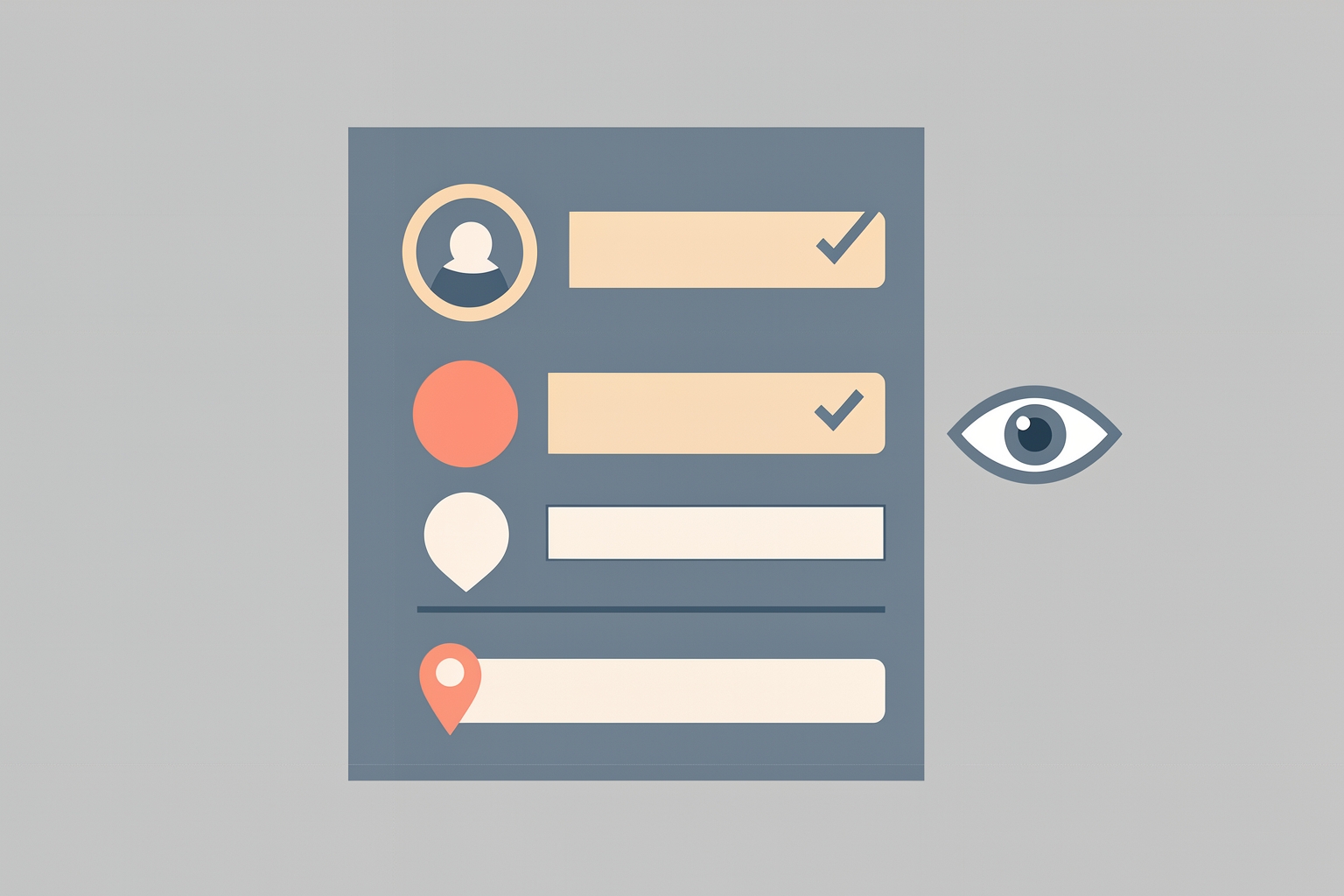
A flat editorial illustration showing a stylized user profile with various fields and checkmarks, positioned next to a large eye icon to represent visibility.
should you put personal information on your github profileis it safe to add pronouns to github profilegithub profile privacy what is publicly visibleshould i put my location on github profile

Key takeaways

  • Should You Put Personal Information on Your GitHub Profile? is most useful when it turns into a visible action, artifact, or decision.
  • For Ideoreto readers, the goal is practical proof: clearer briefs, better feedback, stronger roles, and work other people can inspect.
  • Use the guide to choose one specific next step instead of leaving the idea as private theory.

In this guide

What is publicly visible on a GitHub profile

Your GitHub profile is often the first thing a stranger sees before they decide whether to trust your work.

That makes it a powerful credibility tool, and also a place where personal details can leak further than you intended.

GitHub's documentation is blunt: any details on your public profile are visible to all GitHub users.

That includes regions where local laws or cultural norms may pose risks to expressing your identity.

The platform explicitly respects your decision about whether or not to share information about yourself at all.

So the question is not whether to personalize your profile.

It is which fields earn their place, and which ones create risk without adding proof.

This guide walks through your profile field by field so you can make a deliberate choice for each one.

Before deciding what to add, know what strangers can see.

According to GitHub's documentation, your profile includes these customizable elements:

  • A profile README, shown at the top of your page
  • Personal info: profile picture, name, pronouns, and bio
  • Contribution activity that visualizes your work
  • Pinned repositories and gists
  • A status showing your availability and current work
  • Achievements and badges

Everything you add to these areas is public by default.

GitHub also offers a private profile option, but it is all-or-nothing.

A private profile hides information from all users, with no option to let specific users see your activity.

That matters because you cannot partially share.

You either show a field to everyone or hide it with everything else.

Name

Your display name is the lowest-risk, highest-value field for most people.

If you want collaborators, employers, or community members to recognize you, using your real name or a consistent professional handle helps.

If you contribute under a pseudonym for safety reasons, keep the pseudonym consistent across your work so your contributions still build a traceable record.

The tradeoff is simple: a real name builds trust faster, a pseudonym protects identity.

Choose based on your actual exposure, not on what looks more professional in the abstract.

Profile picture

A clear photo or a recognizable avatar helps people connect your GitHub activity to the rest of your work.

But a photo is personal information too.

It reveals what you look like to every GitHub user, and you cannot control who screenshots or reposts it.

If you are comfortable being identifiable, a photo is fine.

If not, a simple avatar or initials work well and cost you little credibility.

Many respected contributors use non-photo avatars.

Bio

The bio is a one-line summary, and it stays public even if you later make your profile private.

GitHub's documentation notes that when a profile is private, the README, bio, and profile picture remain publicly visible.

That is an important asymmetry: these three fields follow you into privacy mode.

Write your bio as if it will be read by the widest possible audience, because it will be.

Describe what you build and what you are interested in.

Skip your employer's internal project names, your home city, or anything you would not put on a public conference badge.

Pronouns

Adding pronouns is a personal choice with real tradeoffs.

For many people, pronouns make their profile clearer and more welcoming.

GitHub's documentation specifically calls out that profile details are visible in regions where local laws or cultural norms may pose risks.

If you travel to, work with, or are visible in communities where expressing identity carries risk, weigh that before adding pronouns.

There is no obligation either way, and omitting the field is a legitimate safety decision, not a statement.

Location

This is the field most people should leave vague or empty.

A country or region can be useful context for collaborators thinking about time zones.

A city, neighborhood, or employer location narrows your physical footprint for anyone reading.

If location helps your work, use the broadest label that still communicates what matters, such as a time zone reference instead of a street-level place.

If it does not help your work, leave it out.

Nothing on GitHub requires it.

Status

Your status shows what you are working on and your availability.

It is useful for signaling that you are open to collaboration or heads-down on a project.

Keep it about work, not whereabouts.

'Open to collaborating on open-source tooling' is useful.

'Traveling solo this month' is information strangers do not need.

Profile README

The README is where you have the most control.

GitHub's documentation emphasizes that you decide what information to include, so you control how you present yourself.

Suggested content includes an about-me section describing your work and interests.

It also suggests contributions you are proud of with context, and guidance for getting help in your communities.

Notice what that list has in common: all of it is professional context, not personal exposure.

A README that explains your projects and how to work with you builds credibility.

A README that lists your full employment history, home country, family details, and contact information builds a dossier.

Write the first kind.

Pinned repositories

Pinned items are your best credibility asset and carry almost no personal risk, as long as the repositories themselves are safe to show.

Check that pinned repos do not contain hardcoded credentials, client names under NDA, or internal documentation you forgot to remove.

The profile field is safe; the content behind it deserves its own review.

What a private profile actually hides

If you decide the risk is too high, GitHub lets you set your entire profile to private.

Per the documentation, a private profile hides achievements, highlights, your activity overview and feed, and the contribution graph.

It also hides follower and following counts, follow and sponsor buttons, organization memberships, stars, projects, packages, sponsoring tabs, and pronouns.

But remember the asymmetry: your README, bio, and profile picture stay public even when the profile is private.

Your activity also disappears from other users' feeds, discussion leaderboards, site-wide search results, and the Trending page.

That is a real cost.

If part of your strategy is being discovered through your contributions, going private removes that discovery path entirely.

Privacy here is a switch, not a dial.

A practical review checklist

Run through this once, then revisit it whenever your situation changes:

  1. Read your own profile as a stranger. What can they infer about where you live, who employs you, and when you are away?
  2. Decide your identifiability level: real name, consistent pseudonym, or minimal presence.
  3. Keep the bio and README focused on work, interests, and how to collaborate with you.
  4. Make location broad or absent. Prefer time zones over places.
  5. Treat pronouns, photos, and identity details as deliberate choices, weighing your own exposure across regions and communities.
  6. Audit pinned repositories for secrets and confidential content.
  7. Remember that the bio, README, and picture stay public even if you go private later.

How this connects to turning participation into proof

For founders, freelancers, and students, a GitHub profile is evidence infrastructure.

The goal is to convert participation into proof that a stranger can verify, which is exactly why the personal-risk fields deserve caution: they add exposure without adding proof.

If you are deciding what belongs on your profile at all, start with what a stranger should see first.

And when someone lands on your profile, they will read it the way any collaborator would, so it helps to understand how others evaluate a profile before working with you.

Achievements and badges are a separate question, since they signal participation in programs and milestones and behave differently under privacy settings.

The same discipline applies beyond GitHub.

Deciding what to disclose is a recurring credibility decision.

It applies whether you state your business model publicly or choose which volunteer work to present as career evidence.

In each case, the test is the same: does this detail help a stranger trust the work, or does it only expose more of me?

The bottom line

Put professional context on your GitHub profile freely: your name or handle, your work, your pinned projects, your availability.

Treat identity and location details as case-by-case decisions.

GitHub warns that public profile details are visible everywhere, including places where expressing identity can carry risk.

And if you ever need to pull back, know exactly what going private hides and what it leaves exposed.

A profile built this way works hard for you without working against you.

Every field on your profile is a choice. Make each one on purpose, and your profile becomes proof instead of exposure.

Source references: docs.github.com.

Take the next step with Ideoreto. Use the ideas in this guide as a starting point for your next project.

Register for Ideoreto to get started.

References

Further reading and supporting sources

    Quick answers

    FAQ

    What is the main idea behind Should You Put Personal Information on Your GitHub Profile??

    Decide field by field what personal information belongs on your GitHub profile, with privacy tradeoffs, visibility facts, and a review checklist from Ideoreto. This guide is designed to explain the topic in simple language and connect it back to practical action inside Ideoreto.

    How does this topic connect to Ideoreto?

    Ideoreto connects jobs, community participation, and venture building in one system, so the topic is not just theoretical. It shows how useful attention can turn into collaboration, momentum, and income.

    What should I do after reading this guide?

    The best next move is to register, explore the wall, review jobs or projects, and use the article's ideas as a practical experiment rather than leaving them as theory.

    Join Ideoreto

    Turn this idea into action inside Ideoreto.

    Create your member profile, explore the wall, discover jobs or projects, and turn useful attention into collaboration, momentum, and income.

    Put this into practice