

Ideoreto
Back to blogIdeoreto Guides

Should You Show Achievements on Your GitHub Profile?

Decide whether to show achievements on your GitHub profile, with what private profiles hide, curation options, and a checklist, explained by Ideoreto.

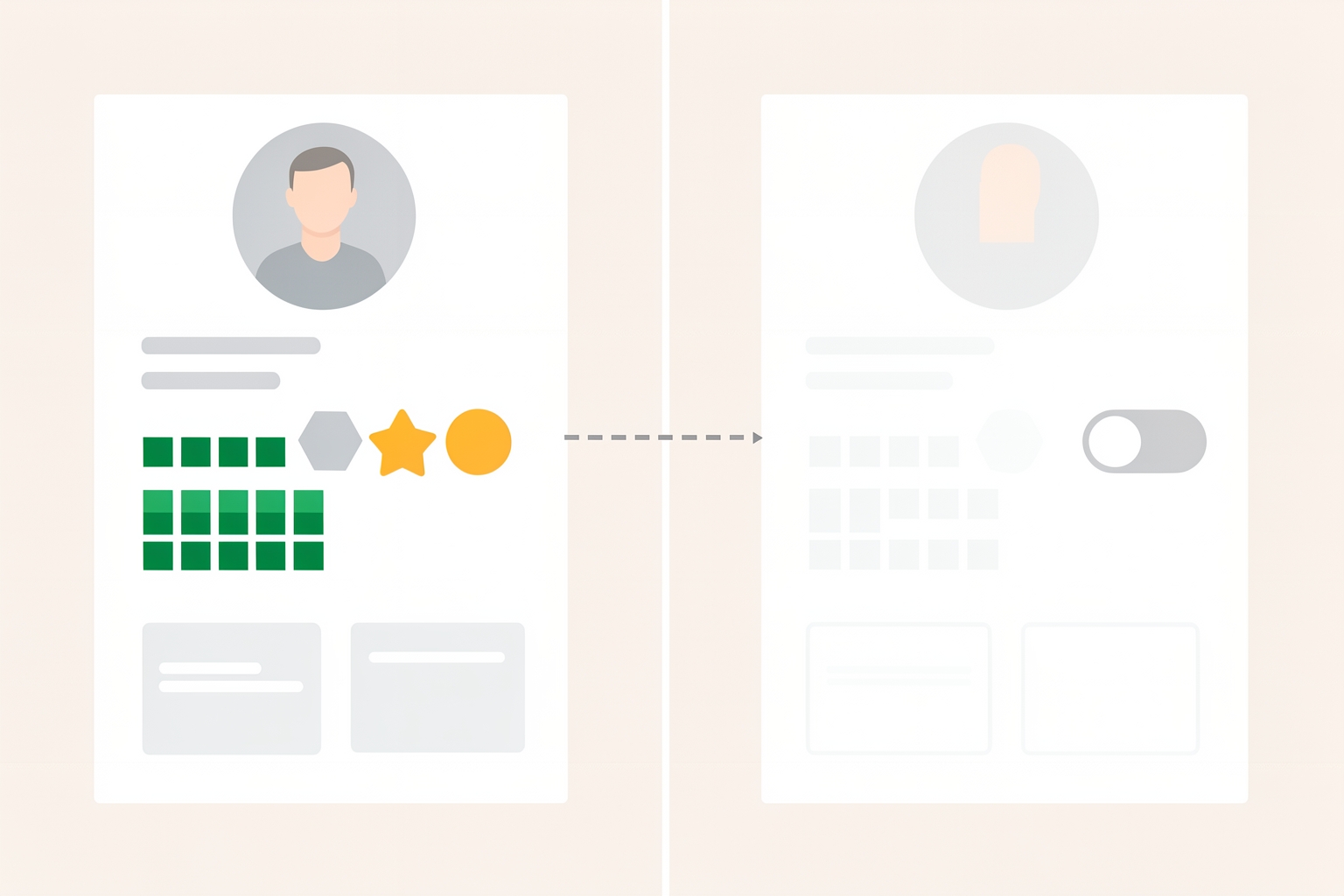
A flat editorial illustration showing two profile cards: one with visible achievements and a contribution graph, and another faded version with a privacy toggle, connected by a dashed arrow.
should you show achievements on github profilegithub achievements public or private profilehide achievements on github profilegithub badges only show public repository activity

Key takeaways

  • Should You Show Achievements on Your GitHub Profile? is most useful when it turns into a visible action, artifact, or decision.
  • For Ideoreto readers, the goal is practical proof: clearer briefs, better feedback, stronger roles, and work other people can inspect.
  • Use the guide to choose one specific next step instead of leaving the idea as private theory.

In this guide

What achievements actually show

Your GitHub profile is often the first thing a stranger sees before they decide whether to work with you.

Achievements and badges sit right on that page, so the question is not just whether they look nice.

It is whether they help the right people trust you faster, or whether they distract from the proof that actually matters.

This guide covers what achievements are and what a private profile hides.

It also helps you decide what to show based on your next goal: co-founder, client, job, or community credibility.

GitHub describes achievements and badges as recognition of your participation in programs or milestones.

They appear alongside other profile elements such as your profile README, personal info, contribution activity, and pinned repositories.

In other words, they are one signal among several, not the headline of your profile.

By default, your contribution graph and achievements only show activity from public repositories.

You can choose to include private repository activity too, with the details anonymized.

That default matters: if most of your meaningful work happens in private company repositories, your public achievements may underrepresent what you actually do.

It also matters that achievements reflect participation, not quality.

A badge can tell a visitor you were active in a program or hit a milestone.

It cannot tell them whether your code was good, whether you shipped something useful, or whether you are easy to work with.

Those things come from your repositories, your README, and your contribution story.

What a private profile hides

If you want to hide achievements, the main lever is making your whole profile private.

GitHub documents that a private profile hides achievements, highlights, your activity overview and feed, and the contribution graph.

It also hides follower and following counts, follow and sponsor buttons, organization memberships, stars, projects, packages, and pronouns.

Not everything disappears.

When your profile is private, your README, bio, and profile picture remain publicly visible.

So you keep a small amount of control over how you introduce yourself, but you lose the activity-based signals entirely.

There is a tradeoff to understand here.

A private profile hides information from all users, and GitHub notes there is currently no option to allow specified users to see your activity.

You cannot show achievements to a recruiter while hiding them from everyone else.

Visibility is closer to a switch than a dial.

Privacy is also a real consideration, not just a preference.

GitHub warns that anything on your public profile is visible to all GitHub users.

This includes regions where local laws, regulations, or cultural norms may pose risks to expressing your identity.

If that describes your situation, hiding activity may be the right call regardless of any career benefit.

When showing achievements helps

Achievements earn their place on your profile when they support the story you are trying to tell.

A few situations where that tends to be true:

  • You are early in your career. When you do not yet have a deep repository history, badges and contribution activity show that you show up consistently. Consistency is often the first thing a potential collaborator looks for.
  • You are building in a community. If you want people to join your project or respond to your issues, visible participation signals that you are an active community member, not a drive-by poster.
  • Your achievements match your niche. A badge tied to a program or milestone relevant to your field reinforces your positioning. It says you engage with the ecosystem you want to work in.
  • You want to be found. Public activity, including achievements, is part of what appears in site-wide search results and activity feeds when your profile is public. If discovery matters to you, hiding works against that goal.

For founders and freelancers, the strongest use of visible activity is as corroboration.

Your README says you build developer tools; your contribution graph and badges back that up.

When the signals agree, a visitor trusts all of them more.

When hiding or downplaying makes sense

There are honest reasons to keep achievements off your public face:

  • Your activity is mostly private work. If your public graph shows sparse activity while your real work is under NDA or inside an employer's repositories, a mostly empty-looking profile can mislead visitors. A private profile, or a README that explains the gap, may represent you more accurately than a thin public one.
  • Privacy or safety concerns. As noted above, public profiles expose your activity to everyone, everywhere. If visibility carries risk for you, that outweighs any networking benefit.
  • You are between directions. If your recent activity reflects an old focus you have moved away from, a public trail of it can anchor strangers to a story you no longer want to tell. You can curate with pinned repositories and a README instead, but a private profile resets the picture entirely.
  • You are job hunting discreetly. A sudden burst of visible activity can be informative to a current employer. Hiding your profile keeps your exploration quieter.

Notice that none of these reasons is about achievements being embarrassing.

The decision is really about your whole activity trail, and achievements ride along with it.

A middle path: curate instead of hiding

Because profile privacy is all-or-nothing for activity, many people are better served by curation.

GitHub gives you several tools that let you shape what visitors see without going dark:

  • Pin up to six public repositories or gists. This replaces the default popular-repositories section with the work you choose to feature. If a stranger only looks at one thing, make it something you are proud of.
  • Write a profile README. It sits at the top of your page, and you have full control over the content. GitHub suggests an about-me section, contributions you are proud of with context, and guidance for getting help in communities you are involved in.
  • Enable or skip the activity overview. When enabled, viewers can see more about the types of contributions you make and where you are most active, filtered by what they have read access to. If your overview flatters your story, turn it on. If it muddies it, leave it off.
  • Decide on private contributions. You can include private repository activity in your graph with details anonymized. This fills out your activity picture without exposing client or employer specifics.

This approach treats achievements as part of a coordinated page rather than a standalone yes-or-no question.

A badge next to a well-pinned repository and a clear README reads as evidence.

The same badge on an otherwise empty profile reads as noise.

A quick decision checklist

Before you change anything, answer three questions:

  1. Who do I want to reach? Name the person: a potential co-founder, a hiring manager, a client, a community. If you cannot name them, you cannot evaluate what they should see.
  2. What do I want them to conclude? For example: 'this person ships consistently in my domain' or 'this person is safe to collaborate with.' Every visible element should support that conclusion.
  3. Does my current public activity support it? Look at your profile the way a stranger would. If the answer is yes, keep achievements visible and tighten your README and pins. If the answer is no, either curate heavily or go private and let your README and bio carry the introduction.

If you are weighing a collaboration specifically, it helps to look at other people's profiles with the same critical eye.

Our guide on how to read a GitHub profile before you collaborate covers what to check before you commit.

Our guide on what to put on your GitHub profile goes deeper on the elements a stranger sees first.

Common mistakes to avoid

  • Treating badges as proof of skill. They document participation and milestones. Pair them with pinned work that demonstrates quality.
  • Going private out of embarrassment. If the issue is a thin profile, a strong README and a few good pins usually fix more than hiding does.
  • Forgetting the privacy tradeoff. Private means private for everyone, with no per-person exceptions for activity. Make sure you are comfortable losing discovery entirely.
  • Ignoring the private-contributions option. If your graph looks empty because your work is private, anonymized private contributions may give a fairer picture without disclosure.

The bottom line

Show achievements when they corroborate the story your profile tells and the audience you want to reach.

Hide them, via a private profile, when privacy, safety, or a misleading activity picture outweighs discoverability.

And when you are unsure, curate: pin your best work, write a README that frames it, and let achievements play a supporting role rather than the lead.

Whichever way you lean, revisit the decision when your goals change.

A profile tuned for a student's first job is not the right profile for a founder seeking a co-founder, and the visibility settings that fit one stage may not fit the next.

Deciding what a collaborator should see before you commit?

Our guide on what to show a potential co-founder before you both commit picks up exactly where this leaves off.

Source references: docs.github.com; docs.github.com.

Take the next step with Ideoreto. Use the ideas in this guide as a starting point for your next project.

Register for Ideoreto to get started.

References

Further reading and supporting sources

    Quick answers

    FAQ

    What is the main idea behind Should You Show Achievements on Your GitHub Profile??

    Decide whether to show achievements on your GitHub profile, with what private profiles hide, curation options, and a checklist, explained by Ideoreto. This guide is designed to explain the topic in simple language and connect it back to practical action inside Ideoreto.

    How does this topic connect to Ideoreto?

    Ideoreto connects jobs, community participation, and venture building in one system, so the topic is not just theoretical. It shows how useful attention can turn into collaboration, momentum, and income.

    What should I do after reading this guide?

    The best next move is to register, explore the wall, review jobs or projects, and use the article's ideas as a practical experiment rather than leaving them as theory.

    Join Ideoreto

    Turn this idea into action inside Ideoreto.

    Create your member profile, explore the wall, discover jobs or projects, and turn useful attention into collaboration, momentum, and income.

    Put this into practice