

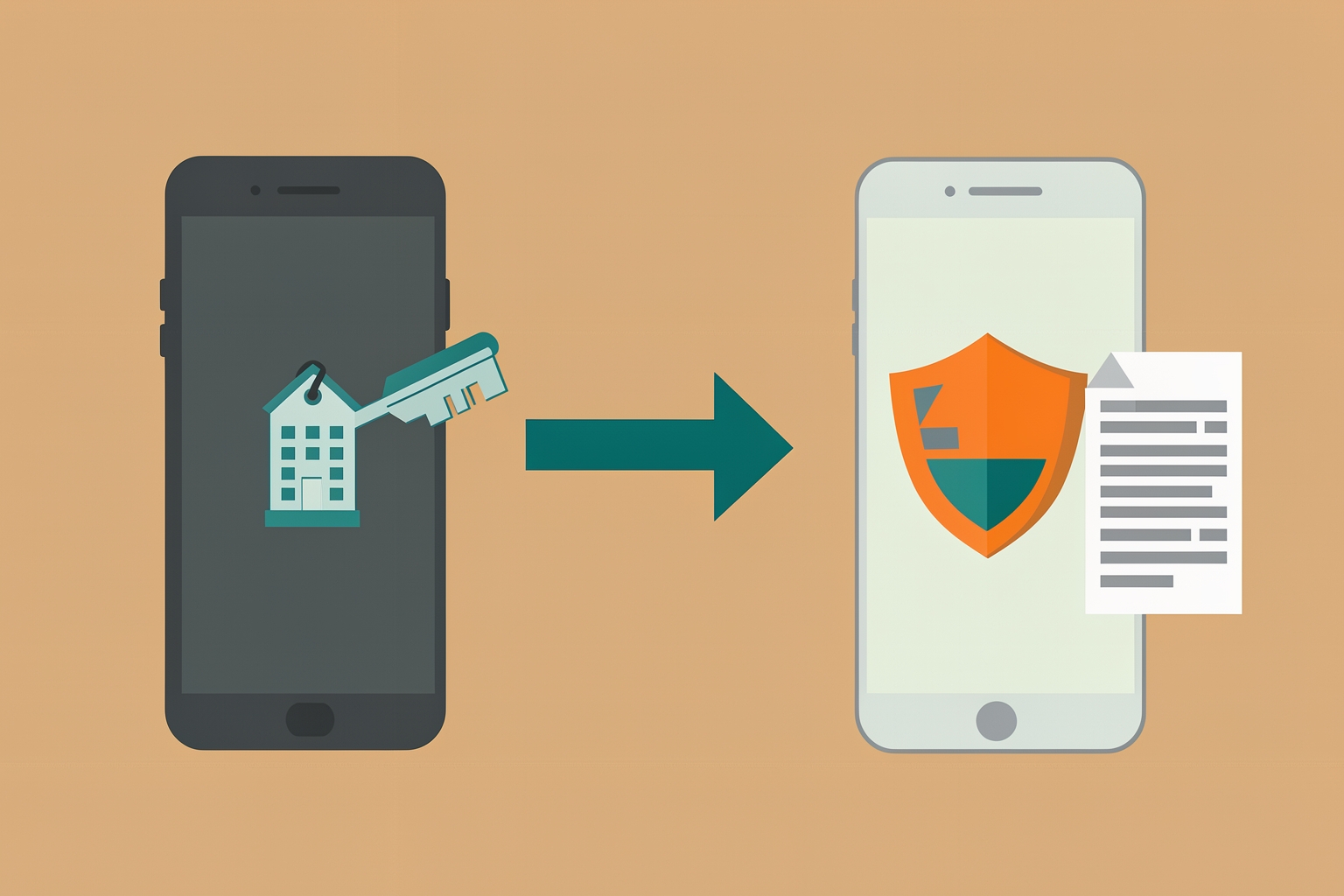
Why your GitHub account needs attention before your last day
When you leave a job, your GitHub account is easy to forget.
If you used one personal account for both work and personal projects, a few settings still point at your old employer.
This checklist walks through what to change first, based on GitHub's own guidance for preparing your account for a job change.
A personal account used for work often carries traces of the employer.
Your primary email may be a company address.
Your username may include the company name.
Your two-factor authentication may live on a company phone.
Each of these can lock you out or cause confusion after you lose access to company resources.
GitHub documents these steps directly for people who use one account for both purposes.
The good news: unless you use a managed user account, you keep access to your personal account after leaving an organization.
The cleanup is about ownership and access, not survival.
Start with your email addresses
Your email settings are the first stop.
Two changes matter here.
- Unverify your company email address by deleting it in your Email settings. GitHub notes that after removal, you can re-add the email without verifying it, which keeps any associated commits linked to your account.
- Change your primary email address from the company address to a personal one, then verify the new primary address.
The re-add detail is worth understanding.
If you delete the company email and never re-add it, older commits attributed to that address may stop linking to your profile.
Re-adding it without verification preserves that history while removing the address as a live contact point.
That balance matters if your public contribution history is part of your professional record.
Update your username if it references your employer
If your username contains your company or organization name, change it.
A username like a company-branded handle looks odd on future applications and can mislead people about who you currently represent.
Username changes have side effects worth planning for, such as links pointing at your old profile URL.
If you are weighing the tradeoffs, our guide on whether you should change your GitHub username covers the decision in more depth.
And if the cleanup reveals you have been splitting work across two accounts, merging two GitHub accounts is a separate project with its own requirements.
Move two-factor authentication off company resources
This is the step most likely to lock you out if you skip it.
GitHub recommends reviewing your 2FA methods so none depend on company property.
- If you use a TOTP app on a company phone, transfer it to your personal device.
- If you registered company-owned security keys, remove them and add personal ones.
- If GitHub Mobile is installed on a company device, install it on your personal device instead.
Then download fresh recovery codes and store them somewhere personal and secure.
Recovery codes are your fallback when a device is unavailable, so they should never live only on equipment you will hand back.
Leave the organization the right way
Removing yourself from your employer's organization is straightforward, with one exception.
If you are an organization owner, transfer ownership to another person before removing yourself.
An organization without an active owner is a problem you create for the colleagues you leave behind.
Unless you are on a managed user account, leaving the organization does not affect your personal account access.
You are simply ending the membership.
Clean up repository associations
Several smaller ties connect your account to work repositories.
GitHub suggests handling each one:
- Remove yourself as a collaborator from repositories owned by others.
- Stop watching work-related repositories so notifications stop following you. You can manage watched repositories at github.com/watching.
- Transfer repositories you own that others need to keep working on.
- Delete work-related forks that belong to you. Deleting a fork does not delete the upstream repository.
- Delete local copies of work repositories from your computer.
The fork deletion point confuses people, so it bears repeating: removing your fork leaves the original project untouched.
You are only cleaning your own copy.
A practical order of operations
You do not need to do everything at once, but some steps protect you more than others.
A sensible sequence:
- Move 2FA to personal devices and download fresh recovery codes. This prevents a lockout.
- Change and verify your primary email, then unverify the company address.
- Update your username if needed.
- Transfer organization ownership if you are an owner, then leave the organization.
- Handle collaborator status, watched repositories, forks and local copies.
Doing the access-critical steps first means that even if your last day arrives mid-cleanup, you retain control of your account.
What to keep versus what to remove
Not everything work-related should vanish.
Your contribution history can be career evidence.
Public commits, open-source participation and community work often matter more to future employers than a polished resume line.
The distinction is ownership and confidentiality.
Keep what is publicly yours and appropriate to show.
Remove or transfer what belongs to the employer.
To build on the public side deliberately, see our playbook on building a public work log people can trust.
It shows how to turn ongoing contributions into credible proof.
The guide on turning a volunteer task into career evidence applies the same logic outside formal employment.
Common mistakes to avoid
- Deleting the company email without planning to re-add it, which can unlink historical commits.
- Leaving 2FA on a company phone, then losing access on your last day.
- Exiting an organization as its only owner, stranding it without management.
- Forgetting local clones of work repositories on your laptop.
None of these are catastrophic if caught early, but each is annoying to fix after you have lost company access.
Will I lose my personal account when I leave the company?
GitHub states that unless you use a managed user account, you keep access to your personal account after leaving an organization.
Managed accounts work differently, so check your situation if you are unsure which type you have.
Should I delete my work repositories?
Not necessarily.
If colleagues need to continue the work, transfer the repository instead.
Delete only forks and copies that are yours alone, and remember that deleting a fork never affects the upstream repository.
Can I keep my old commits visible after removing the company email?
Yes.
GitHub explains that you can re-add the company email without verifying it, which keeps commits associated with that address linked to your account.
Final thought
A job change is a good moment to decide what your GitHub profile says about you.
Clear out employer dependencies, keep the public work that represents you well, and your account becomes a clean asset for whatever you build next.
Do the access-critical steps first: 2FA, recovery codes and email. Everything else can follow at a calmer pace.
Source references: docs.github.com.
Take the next step with Ideoreto. Use the ideas in this guide as a starting point for your next project.
Register for Ideoreto to get started.