

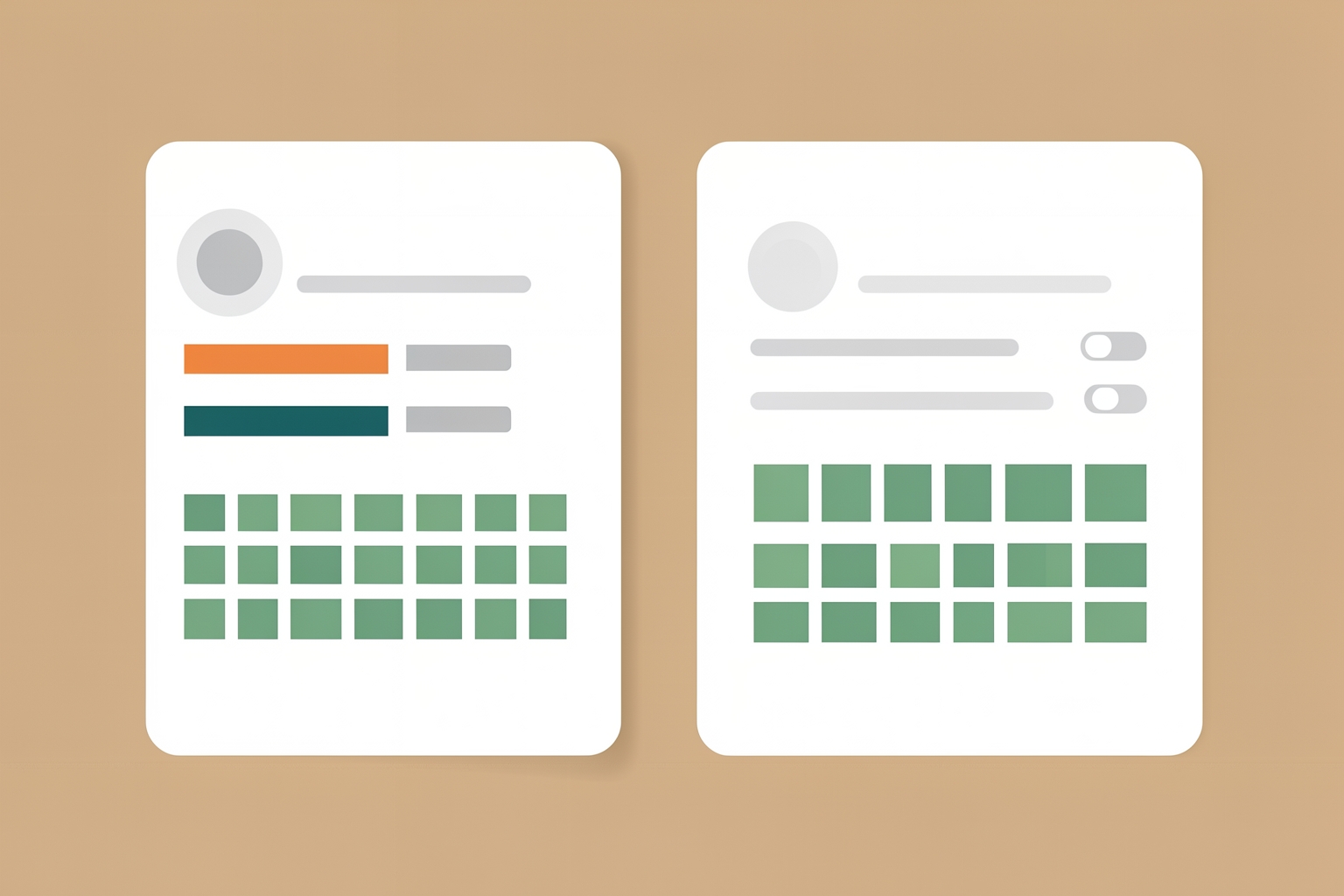
What the activity overview actually shows
Your GitHub profile already shows a contribution graph.
The activity overview adds a second layer: a short breakdown of the kinds of contributions you make, such as commits, pull requests, issues, and code reviews.
Whether to show it depends on what your profile is for.
This guide explains what the section does, who benefits from it, and when leaving it off is the better call.
According to GitHub’s documentation, you can enable the activity overview section on your profile to give viewers more context about the types of contributions you make.
In practice, that means a visitor sees not just how often you contribute, but in what ways.
Someone who mostly reviews other people’s pull requests looks very different from someone who mostly opens issues or pushes commits.
The overview makes that difference visible at a glance.
The section sits above your contributions graph.
It is a profile-level setting, so you can turn it on or off at any time without affecting your repositories or your contribution data itself.
How to turn it on or off
The toggle lives in a predictable place.
GitHub’s docs describe the steps like this:
- In the top right corner of GitHub, click your profile picture, then click Your profile.
- Above your contributions graph, select the Contribution settings dropdown menu.
- Click Activity overview.
That is the whole process.
There is no repository configuration, no code, and no waiting period.
If you enable it and later decide it does not represent you well, you can reverse the choice the same way.
For a fuller picture of what else is visible on your profile, GitHub points readers to its profile contributions reference.
When showing it helps you
The activity overview earns its place when your contribution pattern is part of your story.
Consider turning it on if any of these describe you:
- You contribute in varied ways. If you open issues, review pull requests, and commit code, the overview shows breadth that a contribution graph alone cannot. Maintainers and hiring managers often value review and issue work, but a green-square graph hides it.
- You are applying for roles or freelance work. When your GitHub profile is linked from a resume or portfolio, every extra signal of real participation helps. The overview is one more way to show that you are active in the community, not just pushing to personal repos.