
What project visibility actually controls
You have built a GitHub project to plan your work, and now someone new is joining.
The question comes up fast: should the project itself be public or private?
The answer shapes what a collaborator, a client or a stranger on the internet can see the moment they open your board.
This guide walks through what each visibility setting actually does, what it does not do, and how to decide based on who should see your planning work.
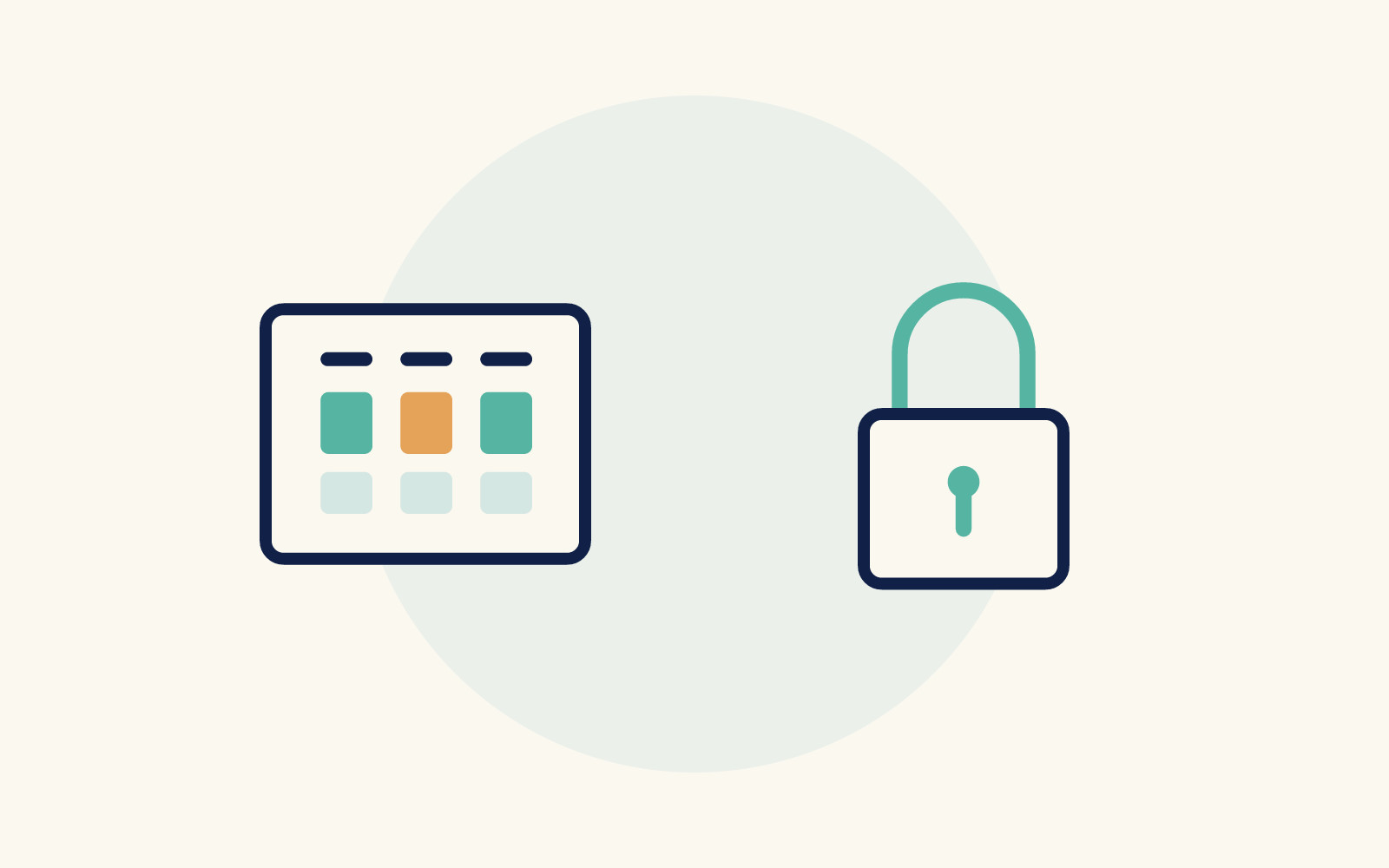
The key insight is that project visibility and repository access are two separate doors, and the two are easy to confuse.
A GitHub project can be set to public or private.
According to GitHub's documentation on managing project visibility, anyone on the internet can view a public project.
A private project is visible only to users granted at least read access.
Organization owners manage visibility for organization-owned projects, and user-owned projects are controlled by the project owner and collaborators with admin permissions.
Here is the part that matters most: only the project visibility is affected.
To view an item on the project, someone must have the required permissions for the repository that the item belongs to.
GitHub states this directly: only people with access to a private repository will be able to view project items from that private repository.
So a public project is not a window into your private code.
If your project pulls in issues from a private repository, a visitor to the public project will not see those items.
The project shell may be open, but the contents stay gated by repository permissions.
What this means in practice
Think of two layers.
The project layer is the board or table where you organize work.
The repository layer is where the actual issues and pull requests live.
Visibility on the project layer is one switch.
Access to the repository layer is a separate set of permissions.
Making a project public does not expose private repository content.
Making it private does not hide content in a public repository from people who already have access.
If you want to control what collaborators see, you need to think about both layers, not just one.
If you are weighing the same question at the repository level, the decision looks different.
The guide to choosing between a public or private GitHub repository covers that layer in depth, including how visibility affects what outsiders can find in your code and history.